WordPress plugins
Free plugins for jobs every website has – labelling AI images, asking for consent, answering visitors. Built by the makers of engenty wizards, open source under the GPL.

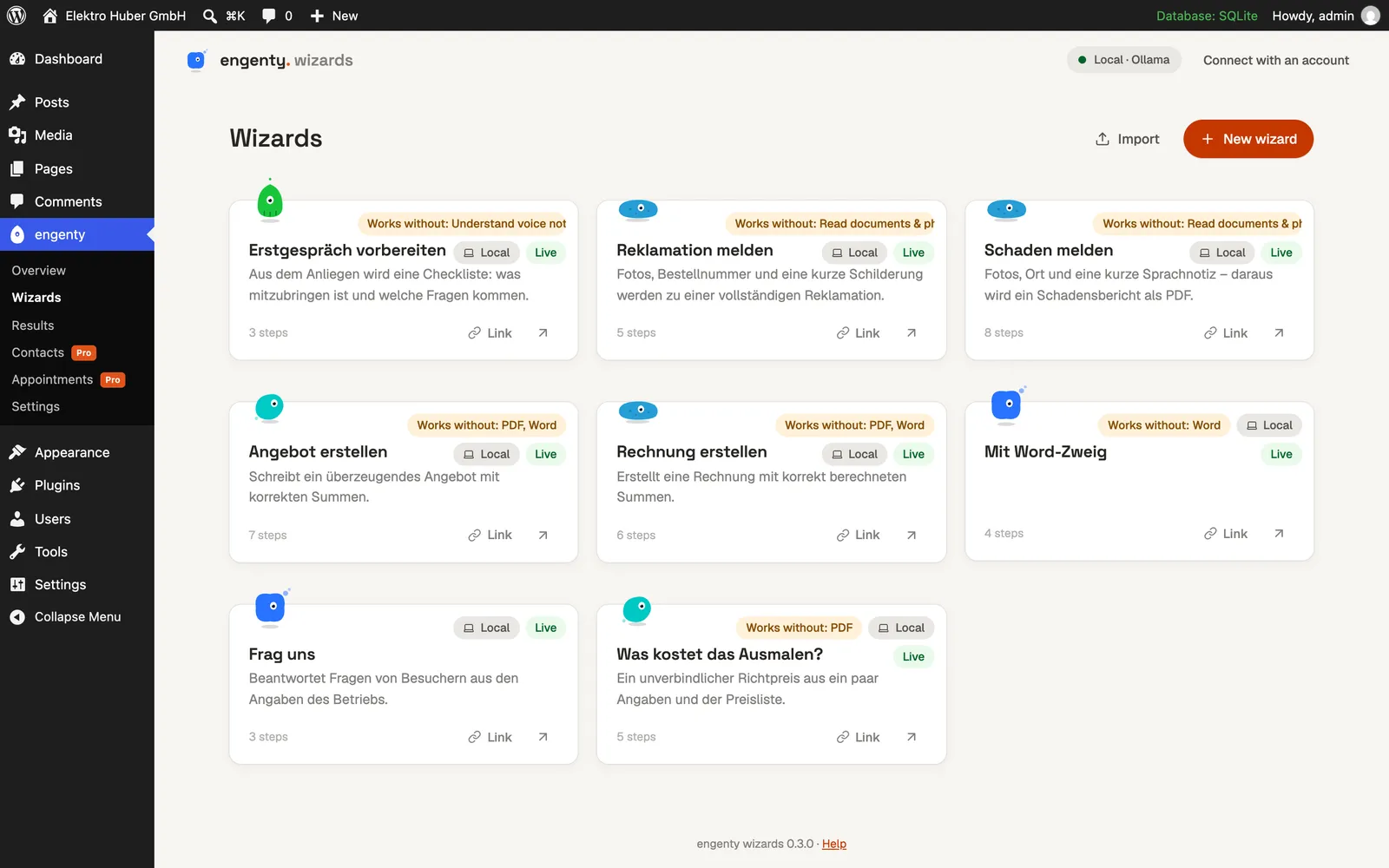
engenty wizards
Coming soonYour own AI assistants on your website: requests, quotes, bookings – with an engenty.ai account, or on the site itself with its AI provider.
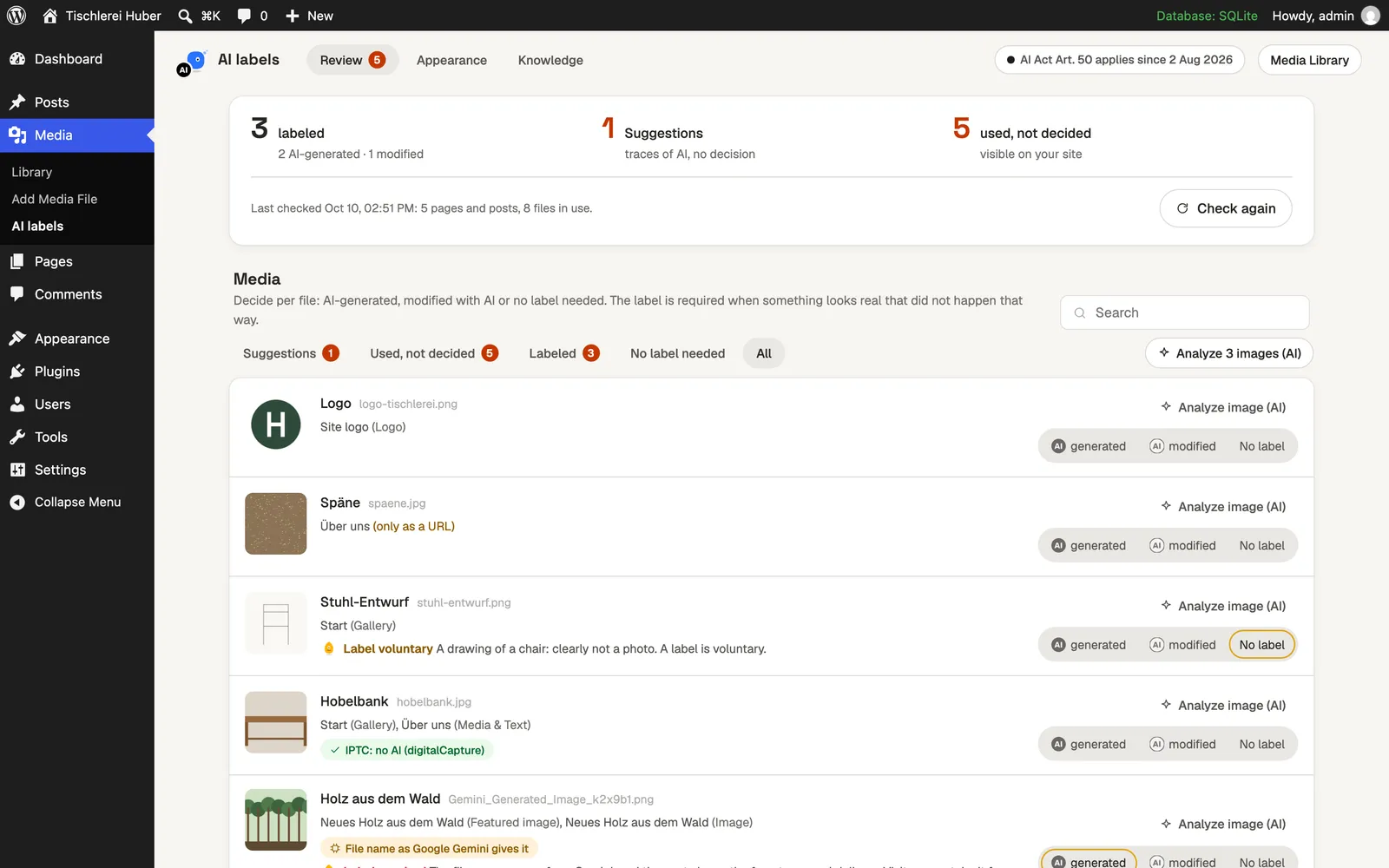
AI Act Image Labels
AvailableLabel AI-generated and AI-modified images, videos and recordings as the EU AI Act asks – with the EU’s official icons, right in the WordPress media library.

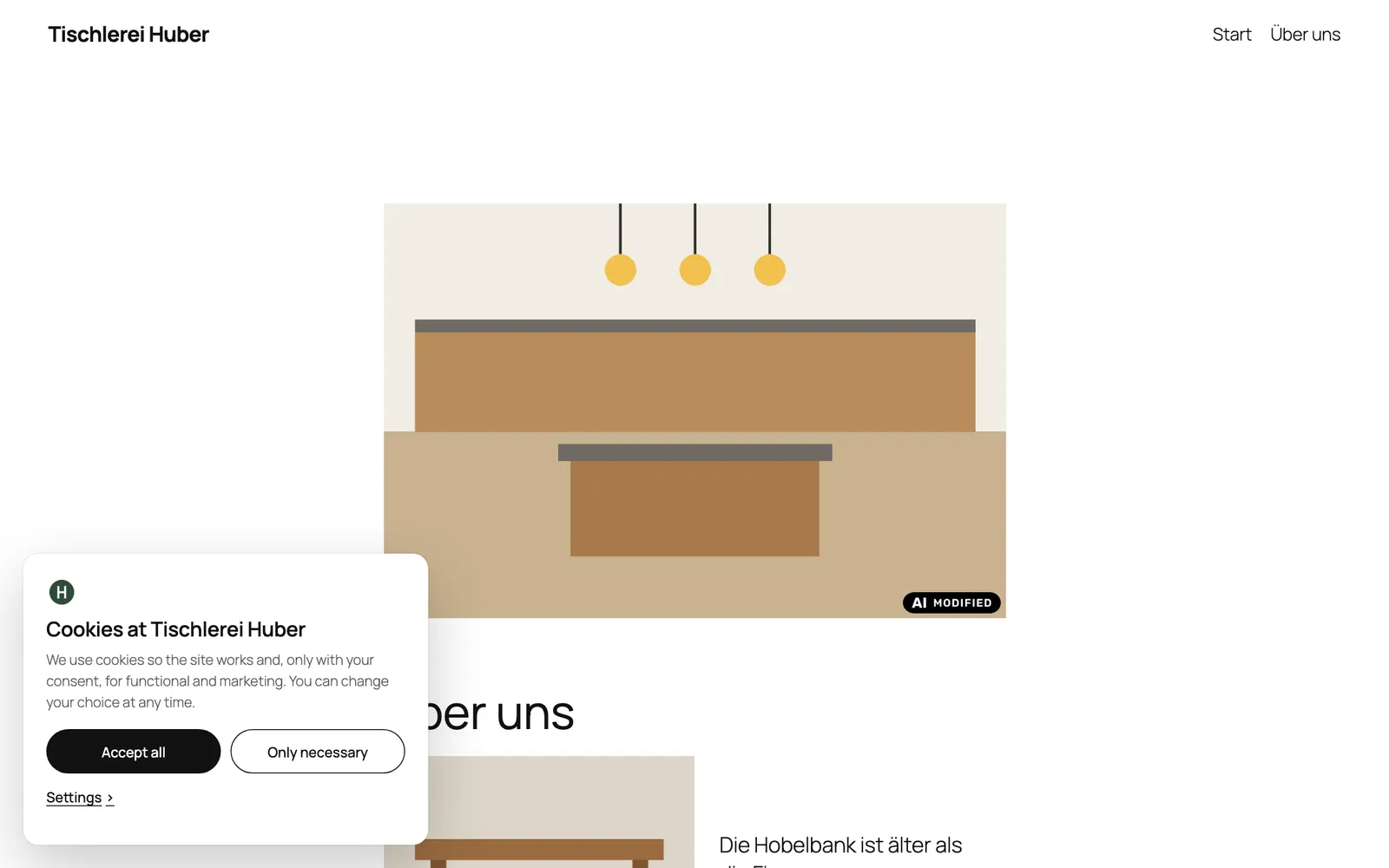
Cookie Dialog
Coming soonA simple cookie dialog for the EU: scripts and embeds only after consent, a consent log, Google Consent Mode v2 – and an assistant that sets it up for you.
AI Provider for engenty
Coming soonengenty for the WordPress AI Client: plugins that generate text with WordPress 7.0 think through engenty – free credits included.
Free and open
Every plugin is free and GPL-licensed; the source is on GitHub. Nothing is sent anywhere without a feature you switch on – each plugin says what in its readme.
AI where it helps
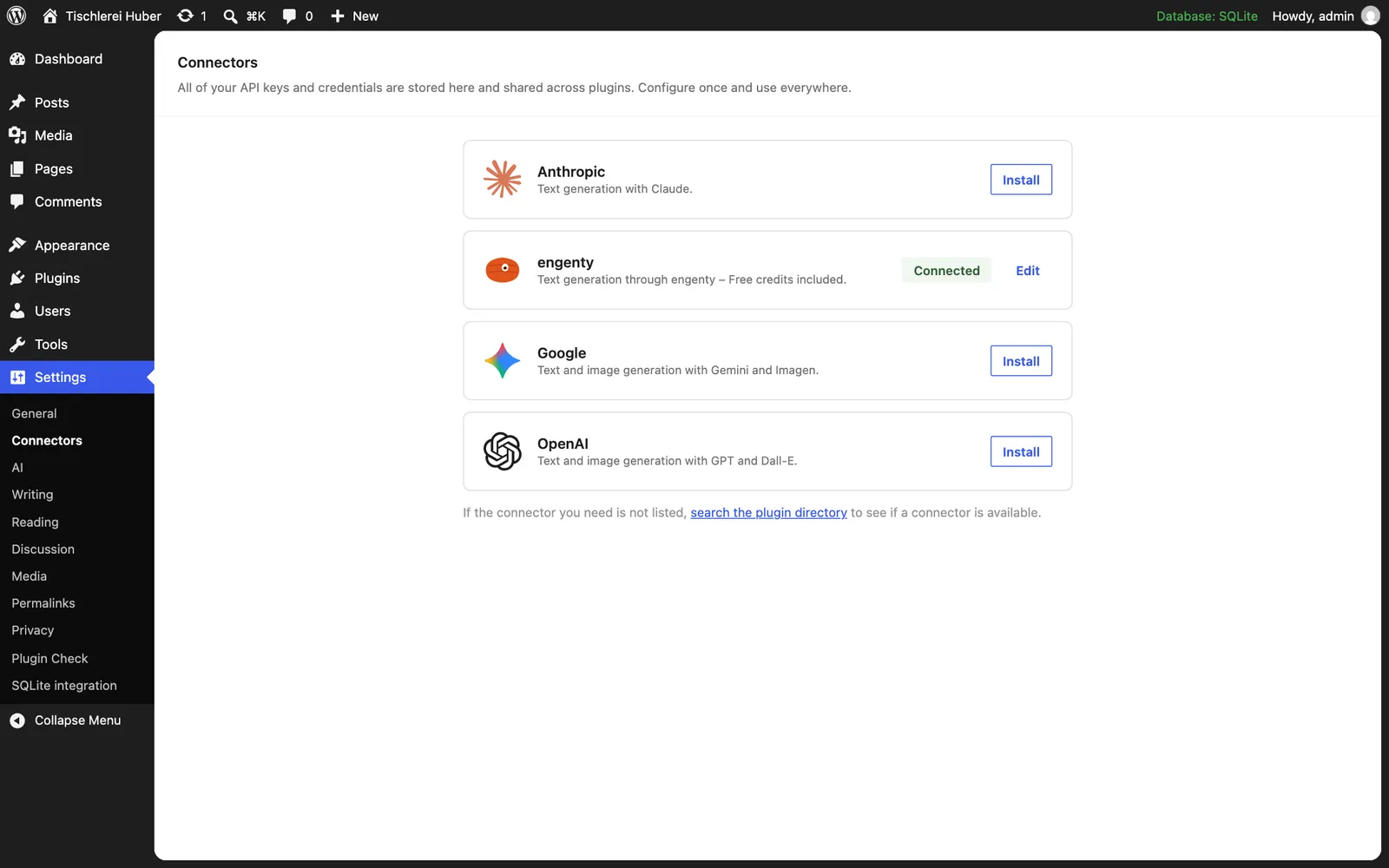
Where a plugin uses AI, it uses the provider you set up once in WordPress under Settings → Connectors – your own key, or engenty. Everything else works without AI.
Made for the EU
The AI Act, consent, data that stays on your server: the plugins are built for sites in the EU, in English and German.
How to install
- On a plugin’s page, enter your website’s address: your WordPress opens, ready to install – or download the zip.
- In WordPress, go to Plugins → Add New → Upload Plugin, choose the ZIP file and click “Install Now”.
- Activate it. Each plugin shows where it lives in the admin.
Questions
- Do I need an engenty account?
No. AI Act Image Labels and Cookie Dialog work on their own; engenty wizards and the AI Provider use an engenty account for what runs on engenty.ai.
- When are the other plugins out?
They are being finished and go to WordPress.org; their pages here get the links then.