
Label AI images the way the AI Act asks
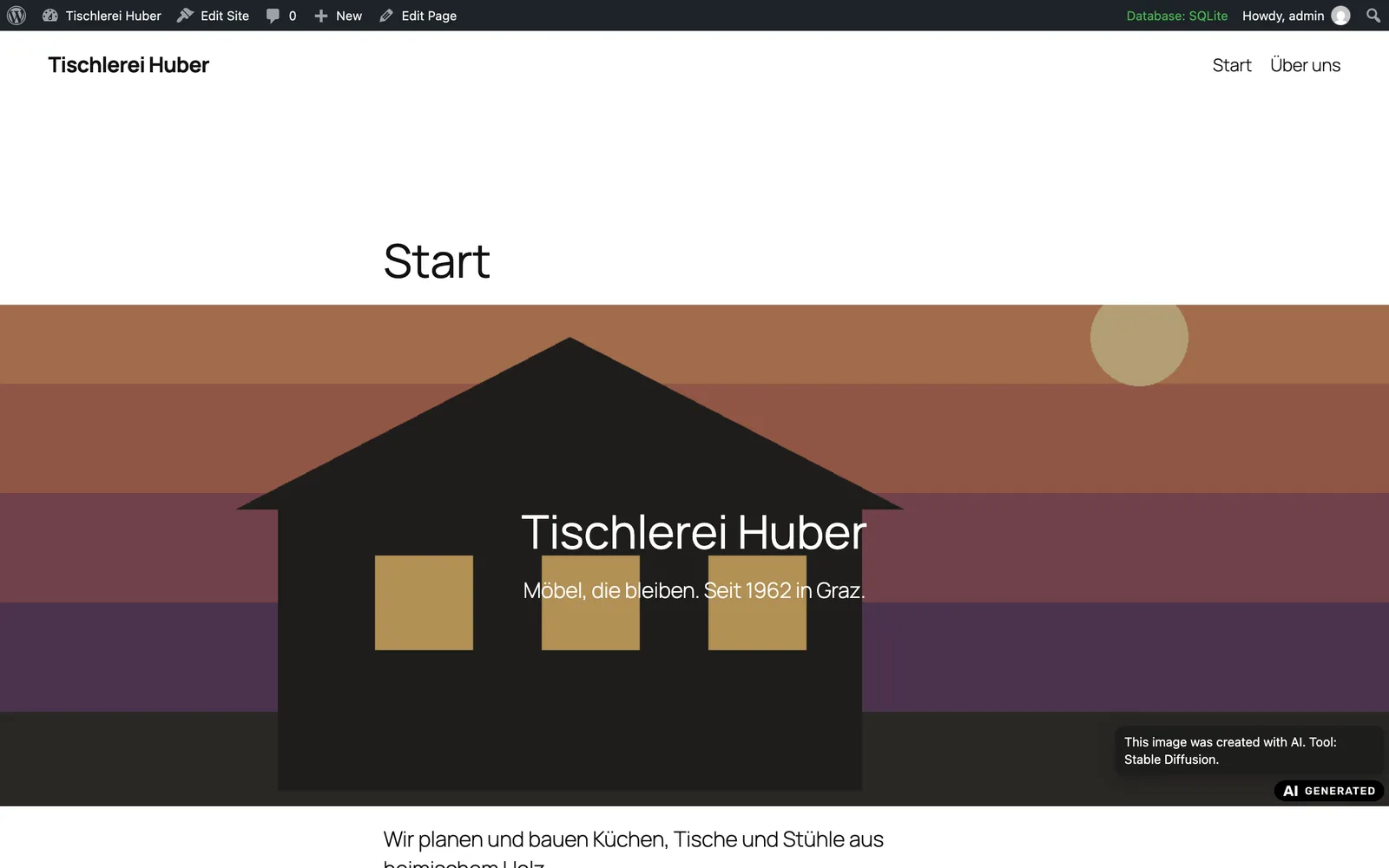
Since 2 August 2026, Article 50 of the EU AI Act asks businesses to label media that look real but were made or changed with AI. This plugin puts that decision where your media lives: in the media library.
Install
Download the ZIP file above and upload it in WordPress under Plugins → Add New → Upload Plugin. With your website’s address, that page opens directly.
Why it exists
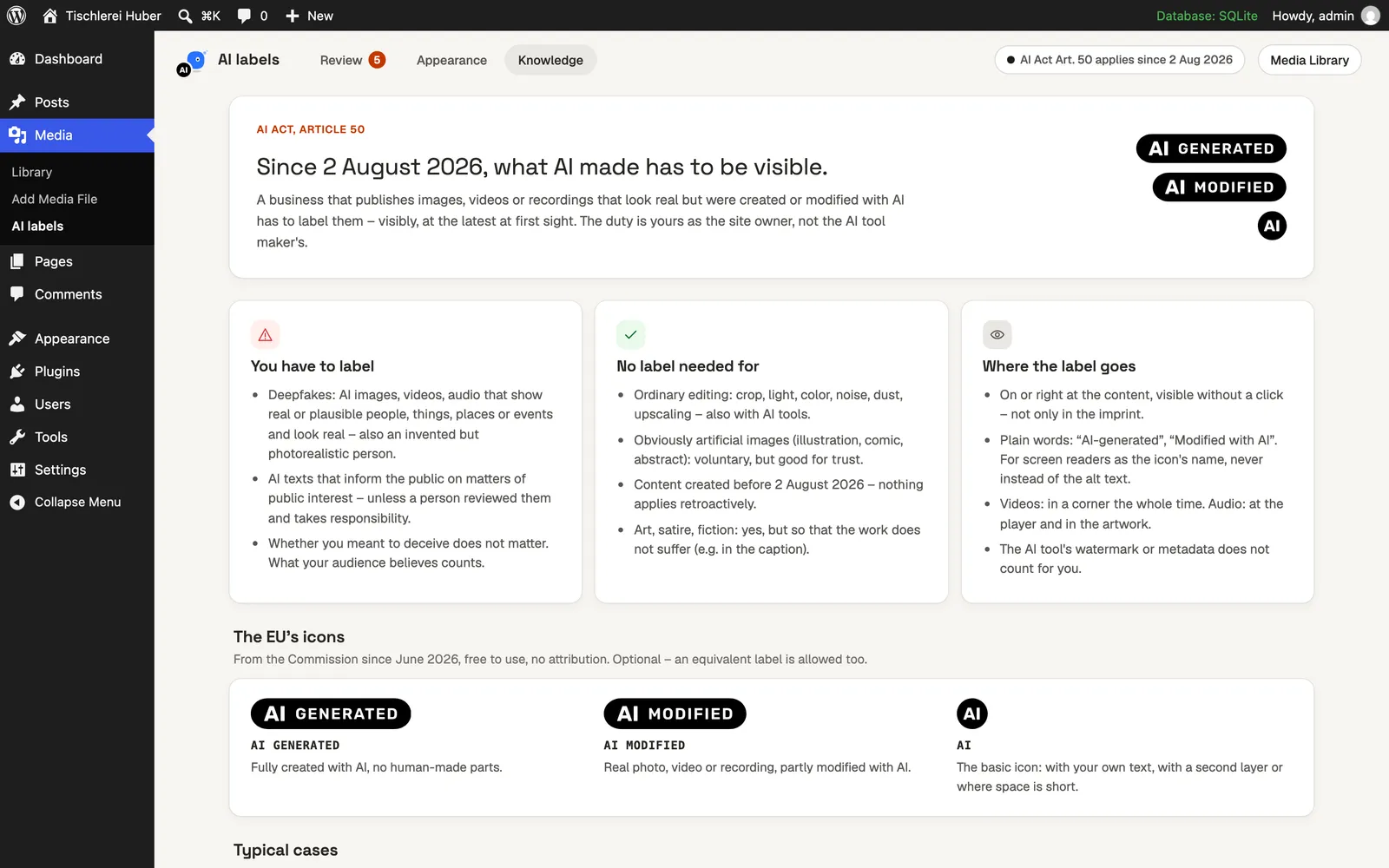
Since 2 August 2026, Article 50 of the EU AI Act asks businesses to label images, videos and recordings that look real but were made or changed with AI – visibly, at the latest when someone first sees them. The duty lies with you as the site owner, not with the AI tool.
AI Act Image Labels makes this a decision per file in the media library you already use, puts the European Commission’s official icons on the site, and finds the files that need a look.
Features
| Feature | What it does |
|---|---|
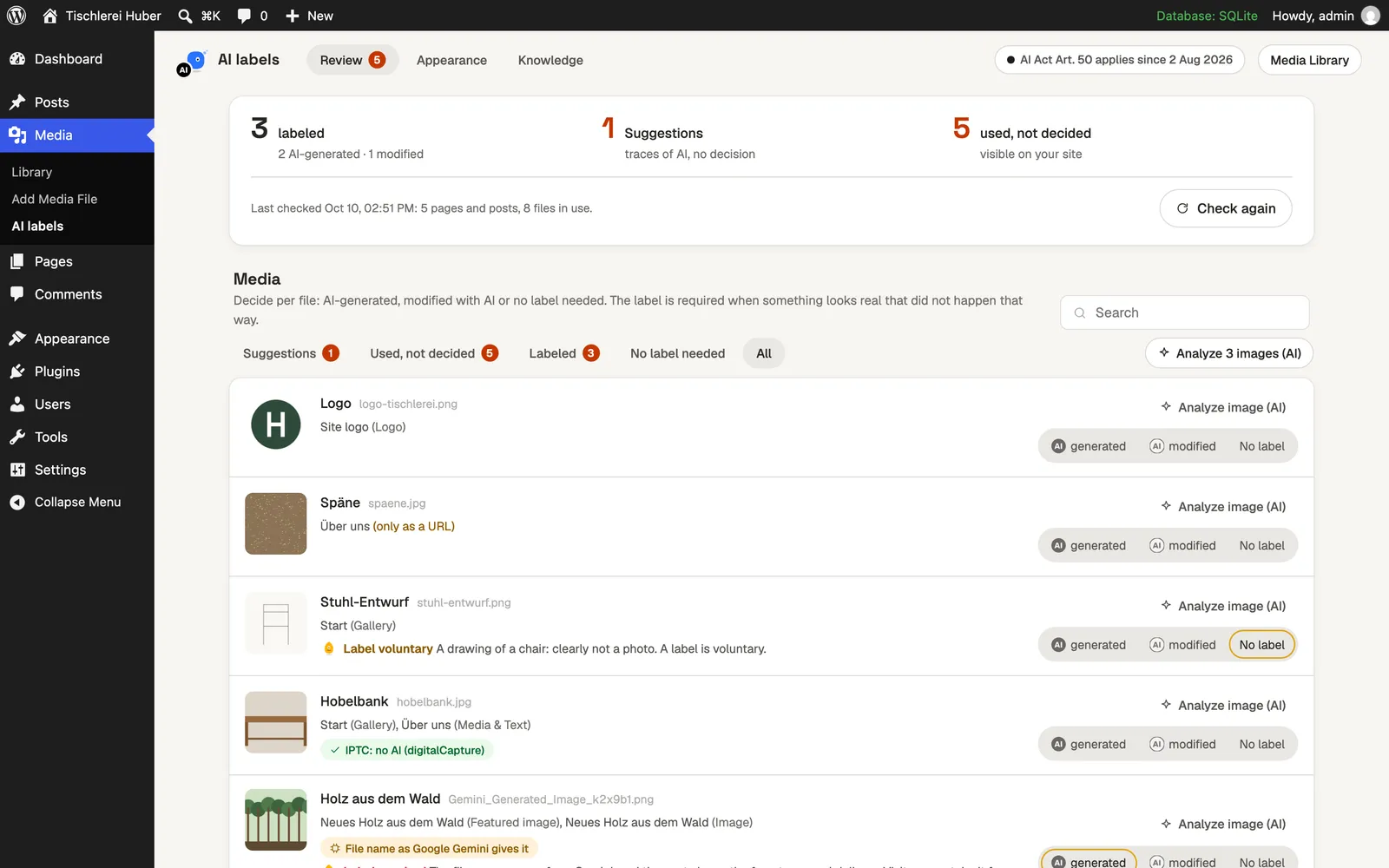
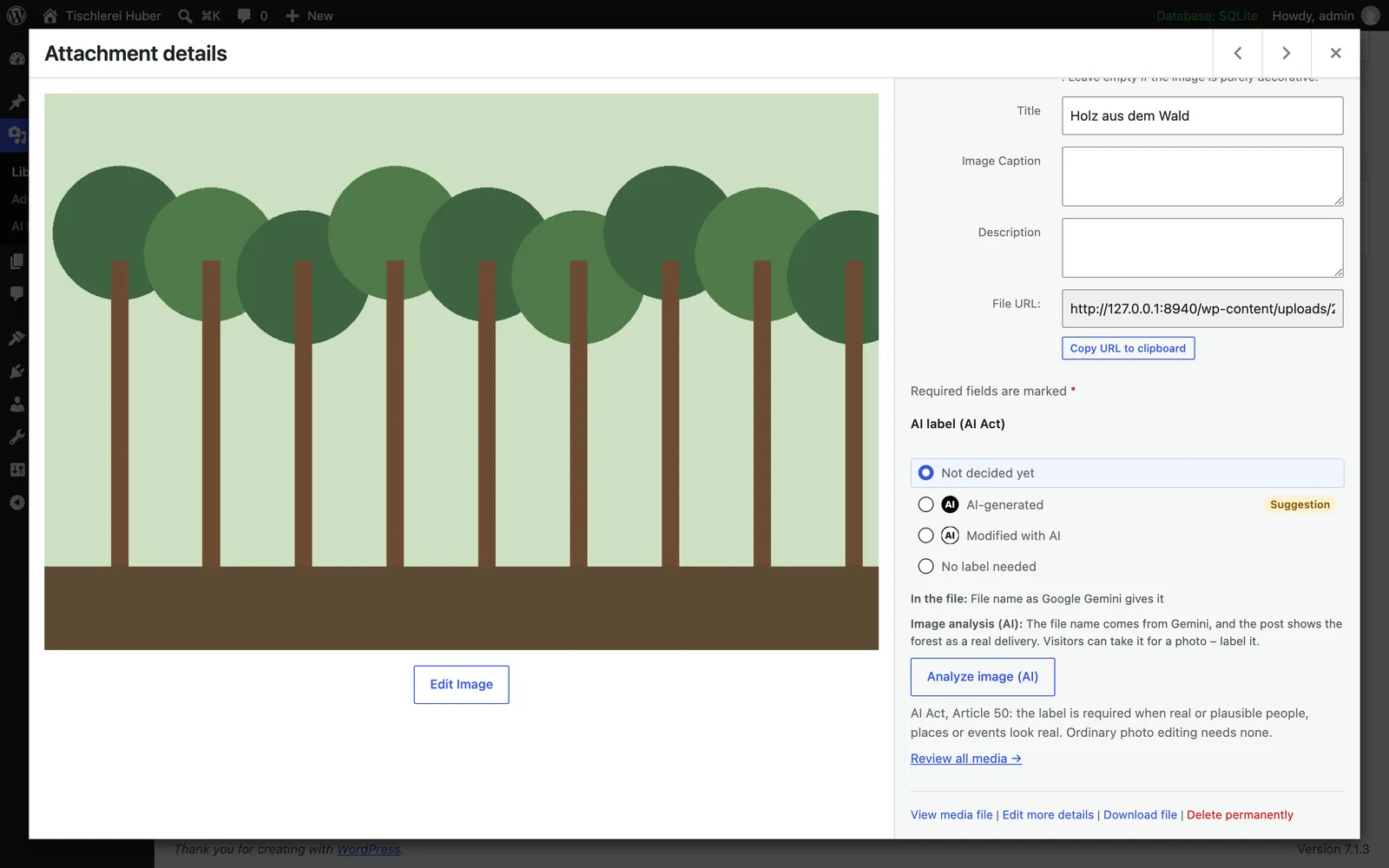
| Decision per file | AI-generated, modified with AI or no label needed – in the media library, as a bulk action, with a filter and a column. |
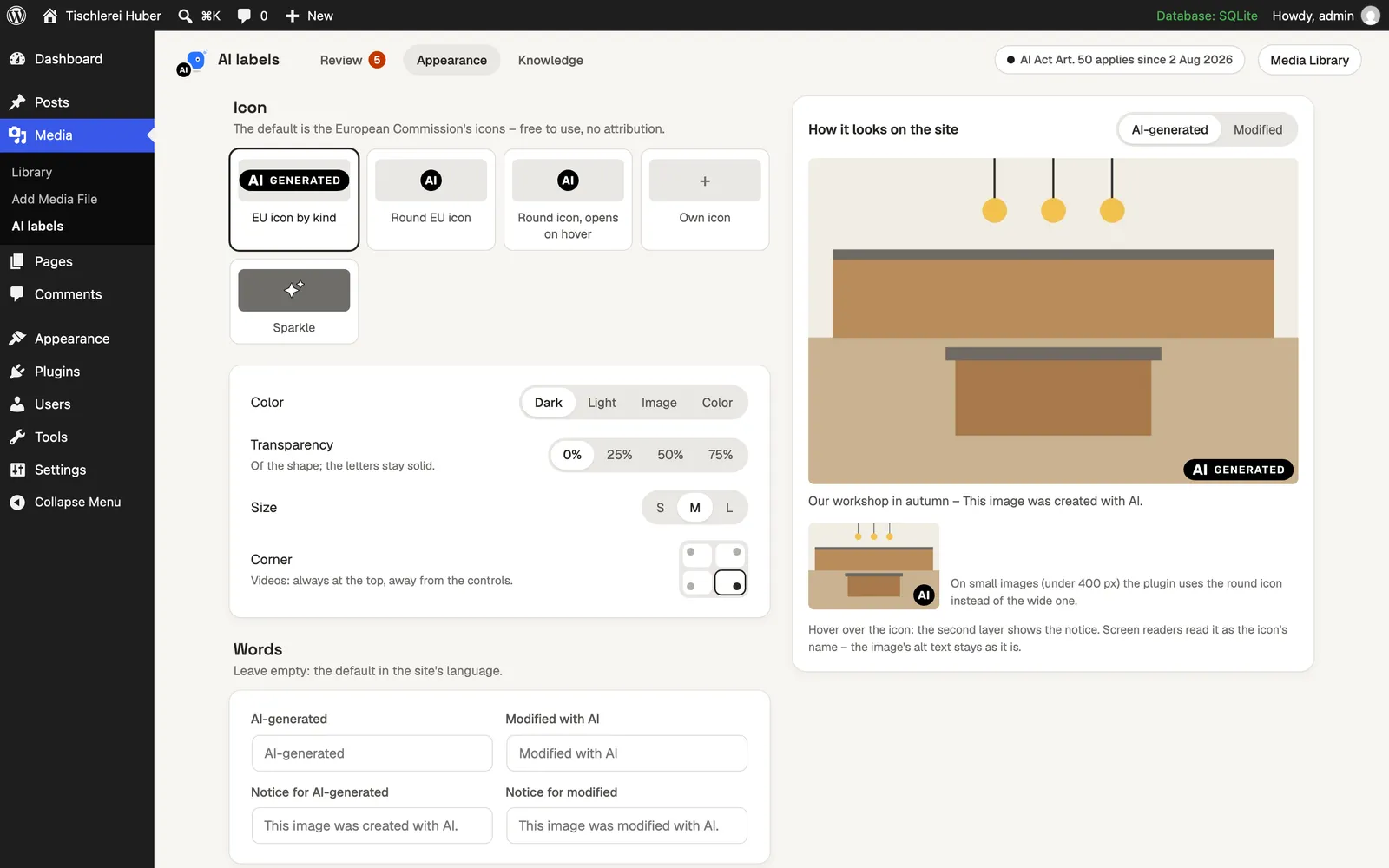
| EU icons | The Commission’s official AI GENERATED, AI MODIFIED and AI icons, or your own; dark, light, by image or a colour of your own, 0–75 % transparent. |
| Works by itself | Featured images, image and gallery blocks, covers, video, audio and captions get the label without theme code. |
| Traces in files | C2PA Content Credentials, IPTC digital source type, Stable Diffusion and ComfyUI data, file names of AI tools – read on your server. |
| Where it is used | Every page, post and template that uses a file; “Check on the site” opens them and shows whether the label appears. |
| Analyse image (AI) | Optional: the AI looks at the picture and says whether a label is required, using the provider under Settings → Connectors. |
| Accessible | The notice is the icon’s name for screen readers and a second layer on hover – never in the alt text. |
Requirements
- WordPress
- 6.6 or later; image analysis from 7.0
- PHP
- 8.1 or later
- Price
- Free
- License
- GPL-2.0-or-later
- Languages
- English, German
Questions
- Do I have to label every AI image?
No. The label is required for content that looks real and could be taken as real – photorealistic people, products, places or events. Obviously artificial images and ordinary editing need none. The plugin’s Knowledge tab explains the rules with sources.
- Does the plugin find AI images by itself?
It reads the traces many AI tools write into files. A missing trace proves nothing – screenshots and image optimisers remove them. You decide; the plugin suggests.
- What does a theme need to do?
Nothing for images WordPress prints itself. A theme that prints images from a URL wraps them with aiactlabels_wrap().
- Do I need an AI provider?
No. Only the image analysis needs one.