
A cookie dialog that sets itself up
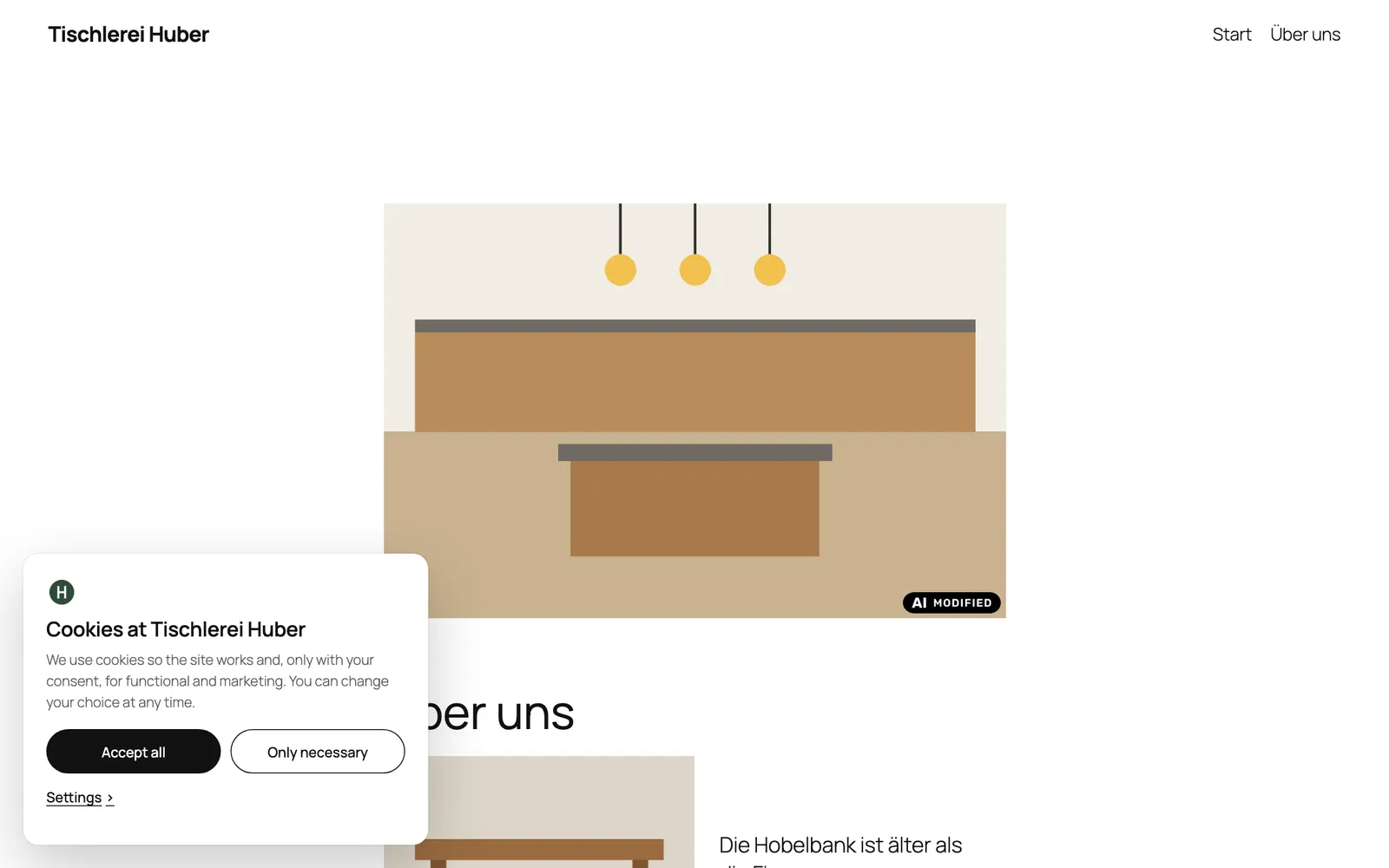
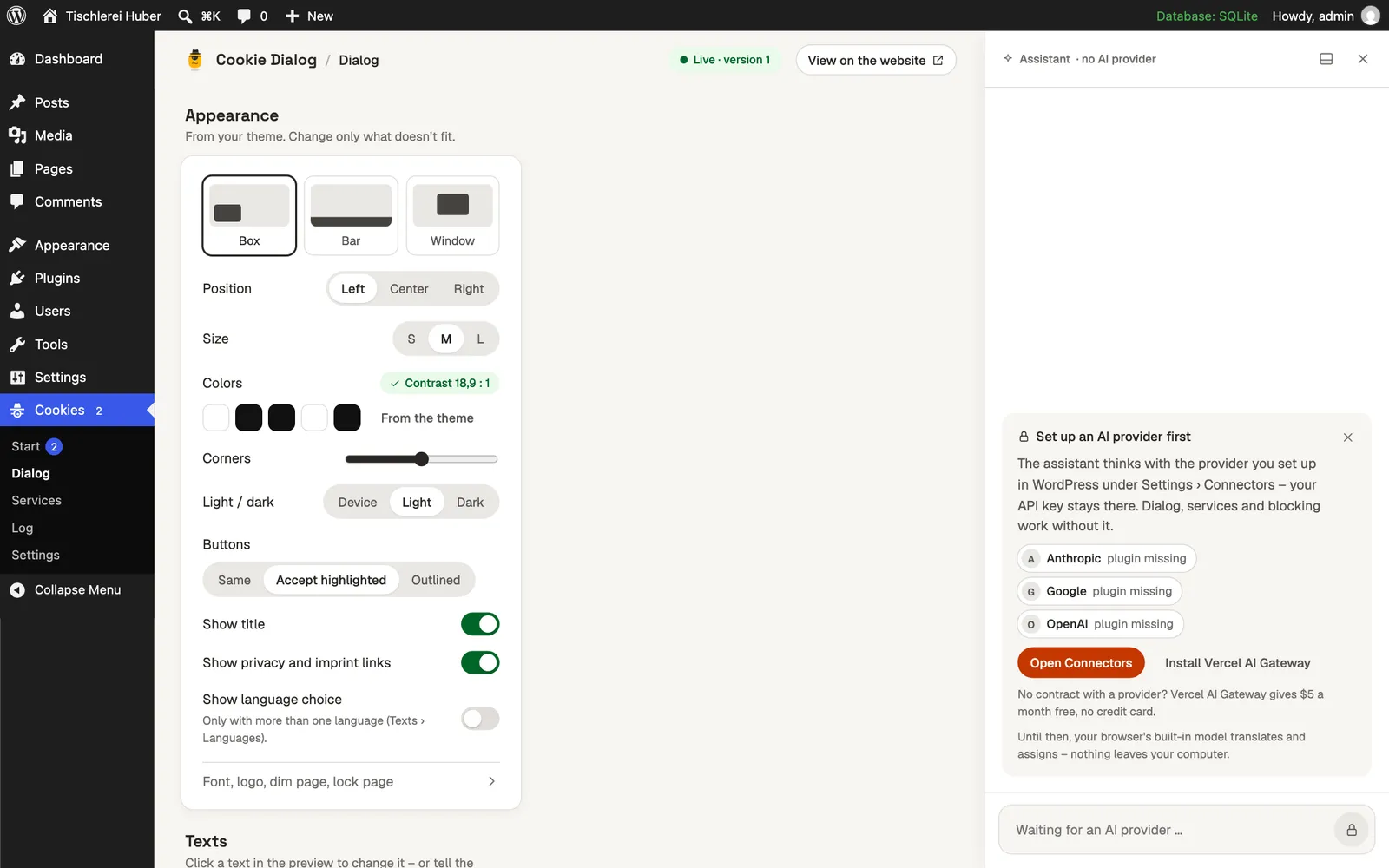
Cookie Dialog reads your website as a visitor without consent, proposes the whole setup – services, texts, the look of your theme – and shows it on your home page before anything changes. One click switches it on.
This plugin isn’t published yet.
Set up in one click
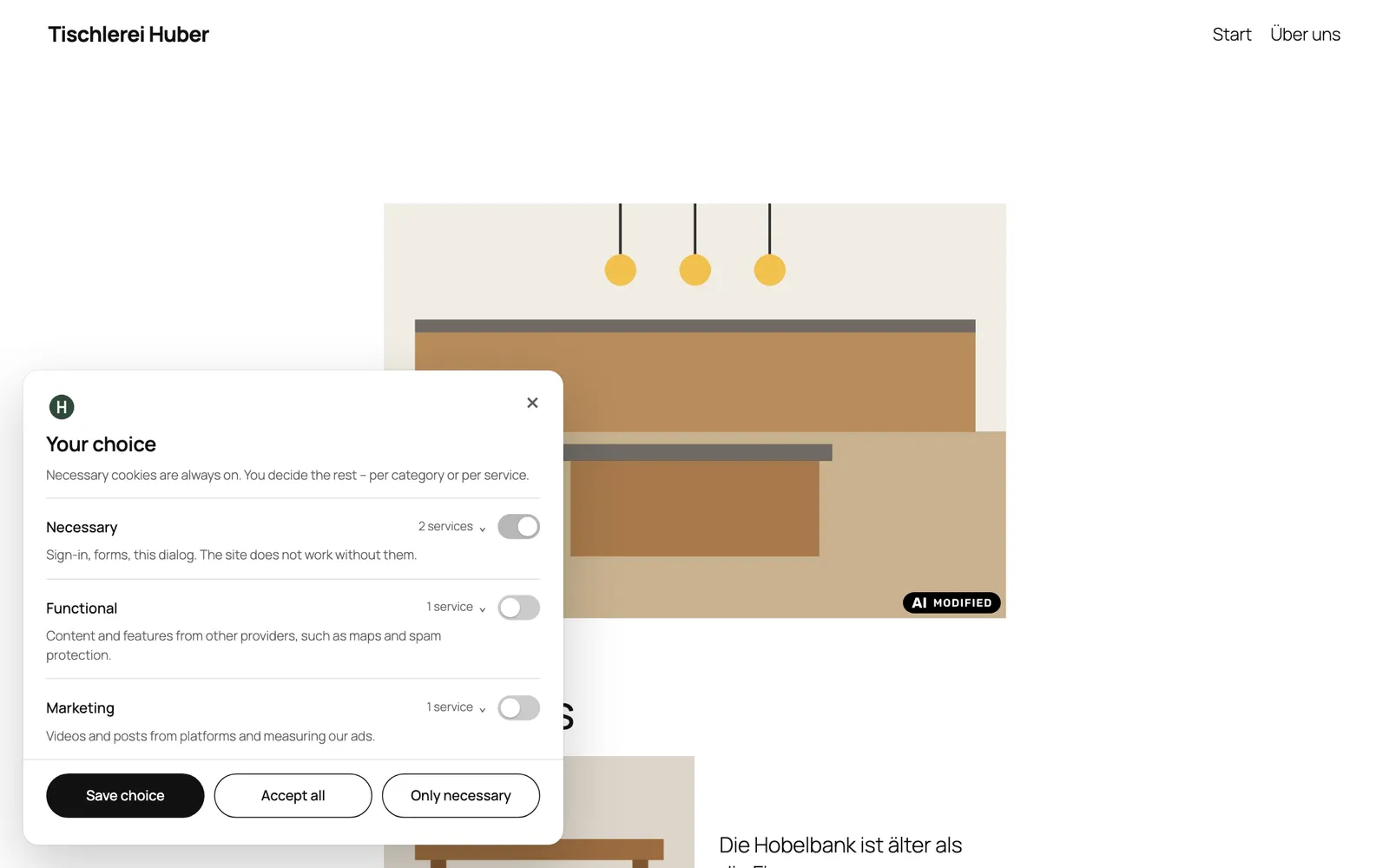
Cookie Dialog reads your website as a visitor who has not consented yet: which scripts, pixels, fonts and embeds load, from where, and what they set. It proposes the whole setup – the services from a library of 60, the texts in your language, the look of your theme – and shows it on your home page before anything changes. One click switches it on.
Features
| Feature | What it does |
|---|---|
| Fair dialog | Two equal buttons, nothing pre-selected; categories and services on the second layer. |
| Blocking | Scripts, pixels and iframes wait for consent; YouTube, Maps, Instagram and others become placeholders with a preview image fetched by your server. |
| Local files | Google Fonts, Font Awesome and other third-party files are copied to your server, so no IP address leaves the site. |
| Consent log | Each decision with the dialog version the person saw; IP addresses only hashed; CSV export. |
| Consent signals | Google Consent Mode v2, Tag Manager, Meta and Microsoft. |
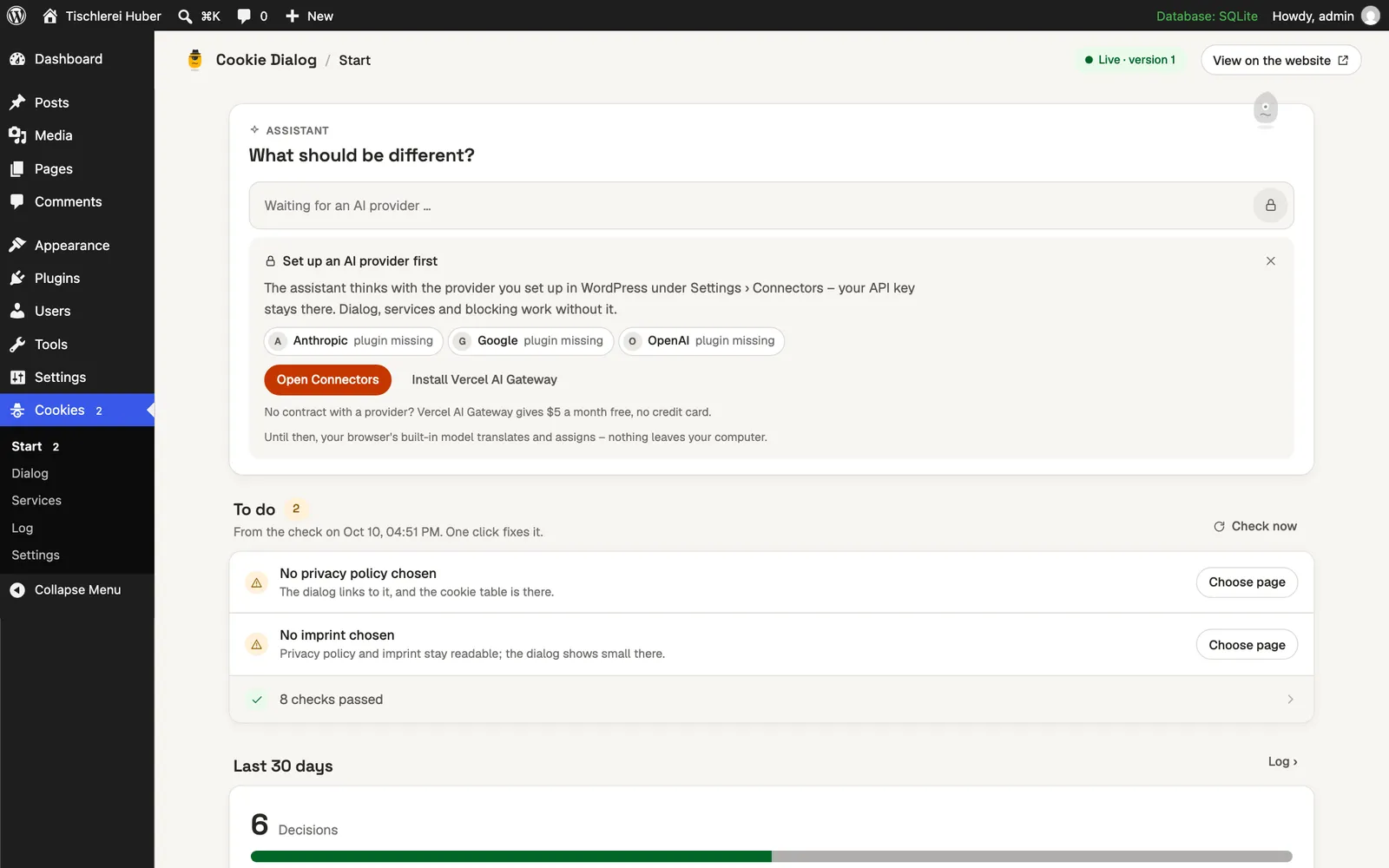
| Checks | A to-do list: privacy policy and imprint chosen, services documented, nothing loads before consent. |
| Assistant | Optional: changes the setup in your words, with the provider under Settings → Connectors. |

Requirements
- WordPress
- 6.6 or later; the assistant from 7.0
- PHP
- 8.1 or later
- Price
- Free
- License
- GPL-2.0-or-later
- Languages
- English, German
Questions
- Does it replace my privacy policy?
No. It links to it and fills in the table of cookies and services; the text of the policy stays yours.
- Do visitors’ IP addresses go to Google for fonts?
No. Fonts and similar files are copied to your server and served from there.